Motion Design for WordPress: Fast, Engaging Sites in 2026


If your WordPress site still loads like it’s 2015, your visitors notice, and so does your bounce rate. Static pages with plain text blocks and stiff photo grids no longer hold attention the way they once did. Visitors compare every site they land on to the more dynamic, responsive experiences they meet elsewhere online, and when your pages don’t move, react, or respond, they read as outdated even if the underlying design is solid.
Motion design for WordPress is the practice of using animation, such as scroll reveals, hover effects, parallax scrolling, and choreographed sequences, to make a site feel alive and responsive to the visitor. This guide walks through what motion design means for WordPress in 2026, why it matters for engagement and conversions, and which tools, from visual builders to specialized plugins, make it achievable without a computer science degree. I also cover how to keep your site fast while adding these effects, since speed and motion need to work together, not against each other.

Working through these tools with clients at Ivory Miracle, I’ve learned the right answer depends on the project, not the trend. Let’s look at what motion design actually involves before comparing your options.
Key Takeaways
Motion design for WordPress sites is now expected, not optional, heading into 2026.
Visual builders and plugins let you add professional animation without writing code.
Speed and accessibility need to stay balanced against visual impact at every step.
The right tool depends on your project size, skill level, and performance budget.
Table of Contents
- What Is Motion Design and Why Does It Matter for WordPress Sites?
- How Does Motion Design Improve Engagement and Conversions?
- Which Tools Bring Motion Design to WordPress in 2026?
- How Do You Keep Your Site Fast While Adding Animation?
- Which Motion Design Approach Fits Your Project?
- The Takeaway
- Frequently Asked Questions
What Is Motion Design and Why Does It Matter for WordPress Sites?

Motion design for WordPress means using animation, timing, and movement to guide how visitors experience a page, rather than leaving every element static. It covers scroll-triggered reveals, hover effects, parallax layers that shift at different speeds, and entrance animations that ease content into view as someone scrolls down. Cursor-tracking elements and choreographed multi-step sequences also fall under this umbrella, and studies on unpredictability in animated visuals have found that varied, less predictable motion can actually sustain user attention longer than static or repetitive elements.
This used to require a developer who understood animation libraries line by line. WordPress page builders such as Elementor, along with dedicated tools like Kirki, have folded these effects directly into the website-building process. That shift is why motion design now feels like a baseline expectation rather than a luxury add-on for small business sites and creator portfolios alike.
How Does Motion Design Improve Engagement and Conversions?
Motion design for WordPress improves engagement by giving visitors a reason to keep scrolling instead of leaving after one glance. Well-placed animation slows the eye down at the right moments, which increases time on site and page views, and research on perceived waiting time and temporal attention shows that thoughtfully designed loading and motion cues can shape how visitors experience delays and engagement on a page. A site that reacts to a scroll or cursor movement feels attentive, and that impression alone can lower bounce rates compared to a page that never moves at all.
Beyond raw engagement, guided motion works like a quiet tour guide through your content, and research on Shannon surprise in motion design has shown that well-calibrated movement can boost interest and sustained engagement more effectively than either fully predictable or fully random motion. Subtle animation on a call-to-action button, or a sequence that reveals benefits one at a time, draws attention exactly where you want it. Visitors who feel guided rather than lost convert more often, and a site that moves smoothly also signals professionalism, which builds trust before a single word gets read.
Which Tools Bring Motion Design to WordPress in 2026?
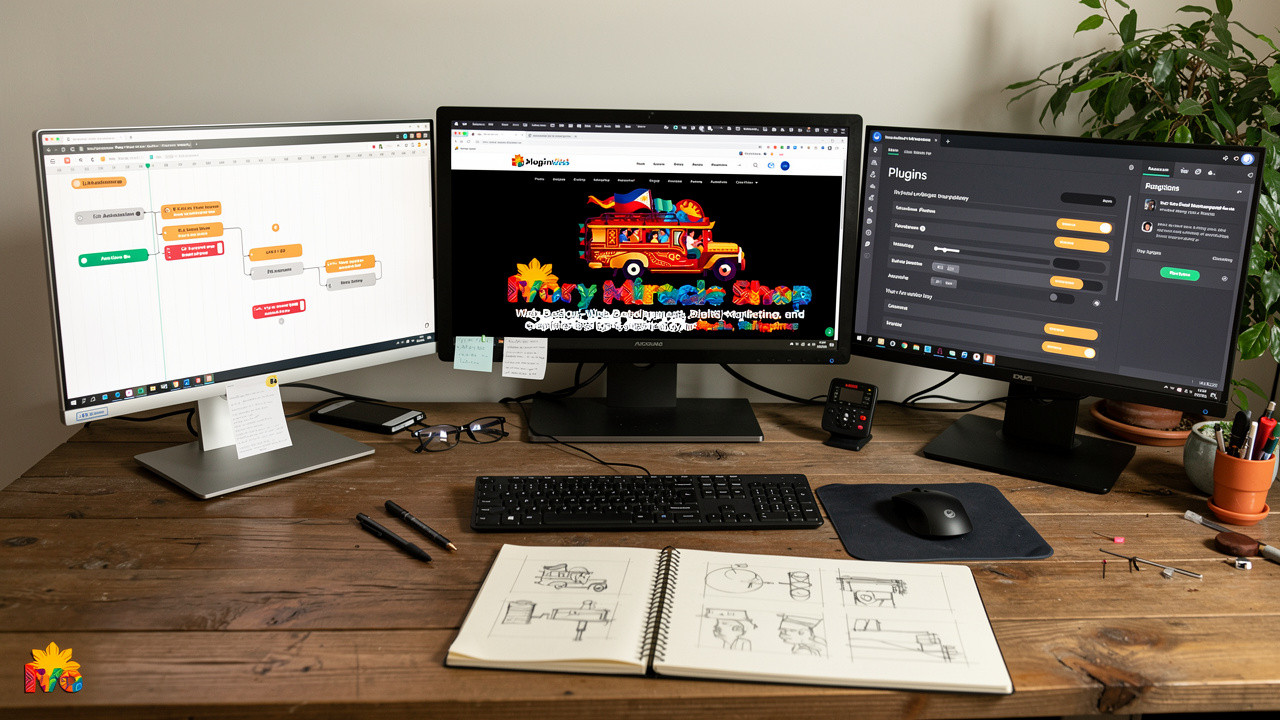

Choosing the right motion design tool for WordPress in 2026 comes down to matching your skill level and project type to the right category of tool:
Visual animation builders let you click on live elements and set timing without touching code.
WordPress-native interaction tools like Kirki build animation into the site-building process itself, treating movement as a core design decision rather than an extra step.
Specialized plugins focus on specific jobs such as sliders, particle backgrounds, or simple hover effects, and earn their place when a project calls for exactly that feature.
Visual Animation Builders Like Motion.page
Visual animation builders such as Motion.page let you click any element on a live page, choose a trigger like scroll or hover, and drag timing until the motion feels right. There’s no code to write, since the builder generates clean, production-ready output behind the scenes. Motion.page works across WordPress plus platforms like Webflow, Shopify, React, and Elementor, and its WordPress integration docs detail how the admin menu, page selection, and global timelines work directly inside the WordPress dashboard. The output relies on zero dependencies, which keeps generated code light and fast.
Kirki Is a WordPress Builder Built Around Interaction
Kirki treats interaction as a core design principle instead of a bonus feature, built around an infinite canvas and a visual timeline. Its Interaction Library offers ready-made presets, including:
Staggered reveals for headings and grids
Text animation with skew and masking effects
Parallax scroll and cursor-tracking elements
Item stacking for portfolios
Ticker-style scrolling for logos or testimonials
For custom sequences, the Interaction Timeline lets you choreograph multi-step animations frame by frame, previewing every detail before publishing.
Specialized Plugins Like SeedProd Soliloquy and Smart Slider 3
SeedProd brings drag-and-drop animation blocks directly into its page-building interface, so you see effects applied as you build rather than guessing how the code will render. It also includes particle background effects for interactive, moving backdrops. Pricing starts at $79 for the Basic plan covering one site with 50 page templates, according to SeedProd’s official pricing page. Soliloquy takes a narrower focus on slider animation, using dynamic Ajax preloading so image-heavy sliders load fast instead of dragging down your homepage.
Smart Slider 3 organizes layered sliders through rows and columns, with animated backgrounds and SEO-friendly media support built in. Slider Revolution leans on a large template library for hero headers, carousels, and content modules with detailed animation controls. If your needs are simpler, Animate It! is a free plugin that adds CSS3 hover and click effects, which works well for small sites needing just a bit of movement without extra cost.
How Ivory Miracle Approaches Motion Design Projects
Working through these tools with clients at Ivory Miracle, I’ve found no single builder or plugin fits every project. My process starts with the client’s goal, whether that’s a portfolio needing personality or a service business needing speed, then works backward to the right combination of visual builder, plugin, or hand-written code for that specific case. That judgment call, more than any one tool, is what keeps a site both animated and fast.
How Do You Keep Your Site Fast While Adding Animation?

Keeping your WordPress site fast while building in motion design comes down to choosing tools built for performance, not just visual flash. Zero-dependency code, the kind generated by builders like Motion.page, avoids piling extra JavaScript libraries onto your site, since many WordPress templates rely on old, bloated animation libraries such as jQuery that can hurt both SEO and performance. Delivering animation code through a content delivery network, or self-hosting the bundle if you want tighter control, both help keep pages loading quickly for visitors anywhere in the world.
Beyond tool choice, test your animations on an actual mid-range phone over a normal mobile connection, not just your development laptop, since that’s where slow, bloated plugins usually reveal themselves. Confirm your animation scripts load without blocking the rest of the page, since a script that holds up rendering defeats the purpose of adding motion in the first place.
Accessibility and the prefers-reduced-motion Setting

Some visitors experience motion sickness or vestibular discomfort when a page has too much movement, and prefers-reduced-motion is a browser setting that tells your site to respect that. It’s a signal browsers send when someone has turned on reduced motion in their device settings. Testing your site with this setting switched on shows whether your content still makes sense with animations toned down or removed, which is worth checking before you launch anything.
Which Motion Design Approach Fits Your Project?
The right motion design approach for your WordPress project depends mostly on your comfort with code and your timeline. Visual builders like Motion.page or Kirki fit non-coders, freelancers, and agencies who want fast creative control without waiting on a developer for every small tweak. If your team already thinks in Figma-style visual terms, these tools feel familiar within minutes.
Specialized plugins make more sense when your project centers on one content type, such as an image gallery, a testimonial slider, or a hero carousel. Developers who want code-level control, meanwhile, often prefer working directly with a JavaScript animation SDK, since it hands them the same clean output a builder would generate but with more room to customize further.
The Takeaway
Motion design for WordPress has moved past novelty and settled into a baseline expectation for 2026. Visitors compare every site to the most responsive one they saw that morning, and a page that never moves reads as neglected even when the underlying design is sound. The real skill isn’t picking the flashiest tool, it’s matching a builder, plugin, or a few lines of custom code to what your specific project and audience actually need.
My advice, drawn from running these tools through real client work at Ivory Miracle, is to start small. Add one well-placed scroll reveal or hover effect, check your load time before and after, and build from there. That steady, test-as-you-go approach gets you a site that feels alive without ever feeling slow.
Frequently Asked Questions
Here are quick answers to the questions I hear most often about motion design for WordPress, covering speed, cost, and how much animation is too much.
Do Animations Slow Down My WordPress Site?
Animation itself rarely slows a site down, poorly coded or bloated plugins do. Heavy libraries, unnecessary dependencies, and unoptimized sliders are the usual culprits behind sluggish pages. Choose zero-dependency tools, and always test load times before and after adding effects so you catch problems early.
Can I Add Motion Design Without Hiring a Developer?
Yes, visual builders and plugins let non-coders add professional animation without touching JavaScript directly. Presets handle most common effects like reveals, parallax, and hover states with a few clicks. A developer’s judgment still helps for custom, multi-step choreography or deeper performance troubleshooting.
What’s the Difference Between a Page Builder and an Animation Plugin?
A page builder like Motion.page or Kirki gives you visual, timeline-based control over animation across an entire site. An animation plugin usually targets one job, such as sliders or hover effects. Many projects combine both, using a builder for overall motion and a plugin for one specific feature.
How Much Motion Is Too Much on a Website?
Motion becomes too much when it distracts from your content instead of guiding attention toward it. If visitors notice the animation more than the message, dial it back a notch. Keep hover effects and reveal patterns consistent across pages so the site feels intentional rather than chaotic.
Are Animated Websites Better for SEO?
Animation doesn’t directly affect rankings, but it can support SEO indirectly by improving engagement metrics like time on site and bounce rate. That benefit only holds if animations load fast; slow, bloated effects can hurt page speed scores and work against your SEO instead.

My right hand does not know how much my left hand has given, and vice versa. Over the years, I have given to orphanages, street children and their families, the elderly, women seeking livelihood opportunities, widows, and people who are on the fringes of society. My logic is simple: I never want anyone to feel as though they have been forgotten by society. Sometimes it does not take much. People on the streets have actually smiled at me simply because I gave them a cookie. That smile can stay with you much longer than you expect. No one should feel forgotten. I’m a little like the city that raised me. My favorite food is beef pares, tenderly cooked beef simmered for several hours until the meat practically melts in your mouth. Its taste cannot easily be contained by a poverty of vocabulary when it is cooked just right, and the stew is simply the icing on the cake. In a strange way, it reminds me of the beautiful ways God has arranged my heart through my unique experiences in life. Manila itself feels like a melting pot, no pun intended, of food, beverages, languages, art, people, contradictions, and real life. I think I have become a little like the city that raised me. Read About Me.
Join the conversation
Good work gets better when people bring thoughtful questions, ideas, and perspective.